
NEW Site
NEW Site
Create an Event
< 1 min read
There are 2 ways you can create a new event:
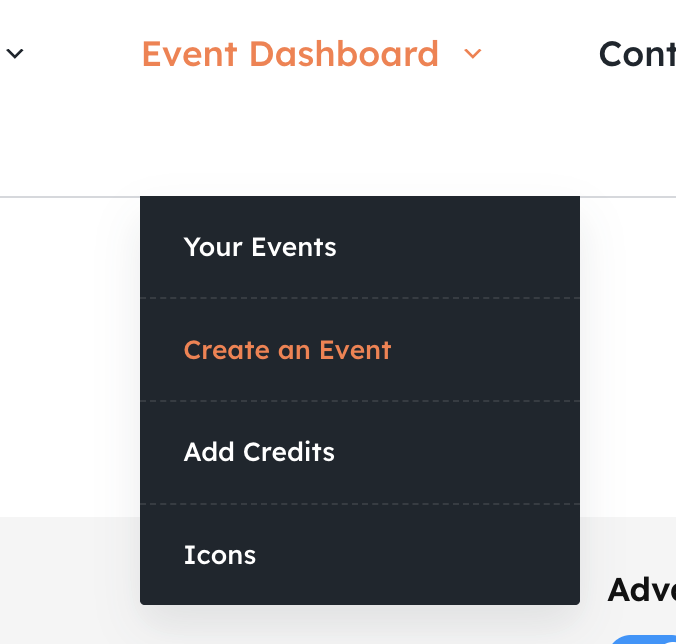
2)

In your Dashboard click the + symbol in the Advanced Mode #
Advanced mode will show you more options in the event editor and gives you further control over how tickets are displayed and opens up further features. Choose Advanced mode if you’re quite familiar with how Snappy Tickets works, otherwise leave it turned off.
The default setting is governed by an option in your Event Settings. You can override this in the event editor itself.

Advanced mode OFF

Advanced mode ON
Tabs #
The Event Editor is split into several groups called tabs.
Description
General event info such as title, category, description, venue
Dates
Start and End Date/Time and Timezone
Registration
Create a form to collect registration information from the buyer
Tickets
Create your tickets (eg, Fixed Price, Donation, FREE etc)
Info
Organiser, Notes to Customer, T&Cs, FAQ
Controls
Override payment gateways, Event Status, Splash Message, Fundraiser options


Powered by BetterDocs